Website dashboard
Coat check and event tickets, in the same place you sign in.
Coat check
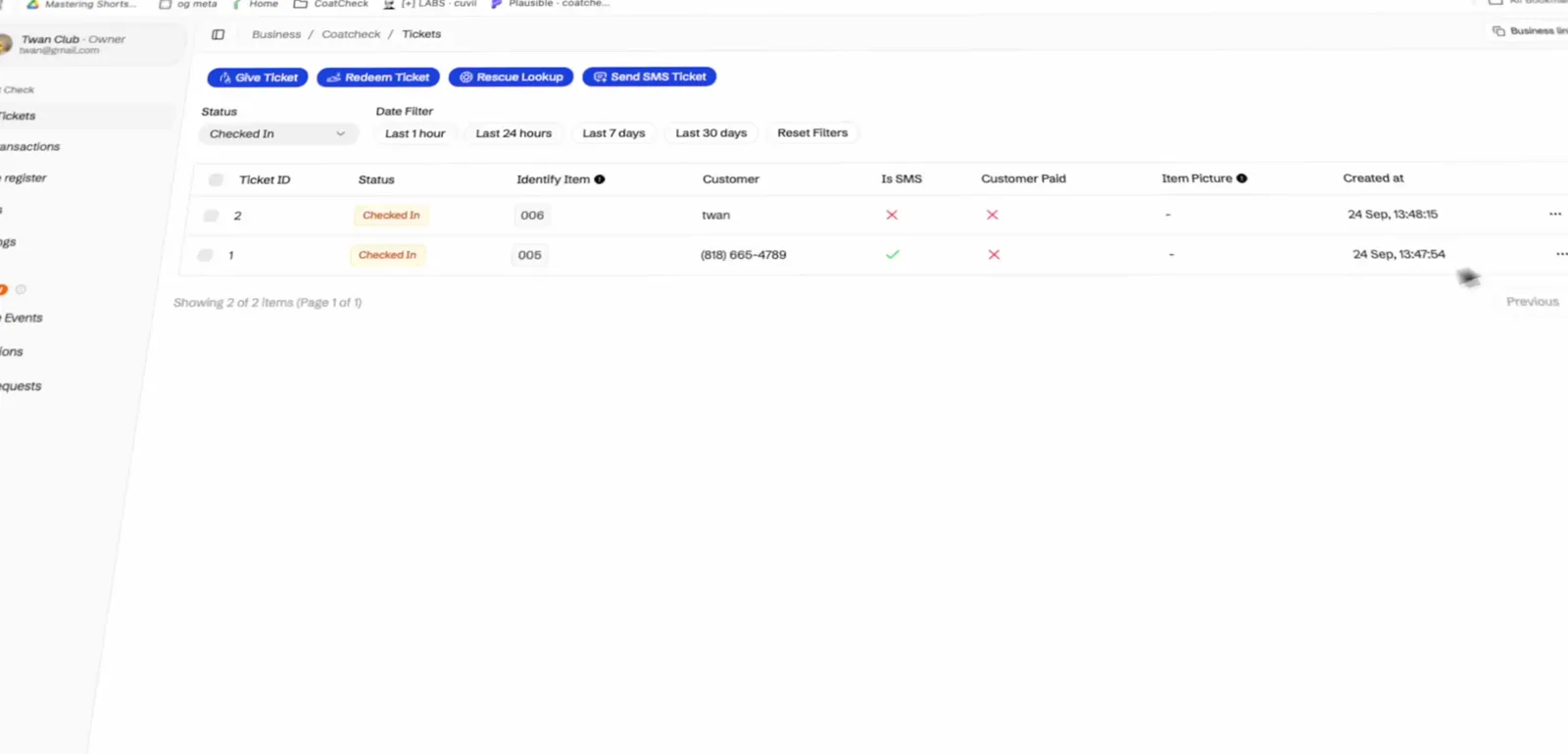
Give a ticket, redeem one, or look a coat up from the same list. The counter still runs in the app.
Give, redeem, rescue
Those actions sit above the list, so a ticket does not start in a separate screen.
Send the SMS from here
If the guest needs the link again, send it without leaving the tickets page.
Filter the night
Status and a time window narrow the list to what is checked in right now.
Coat check · Payments
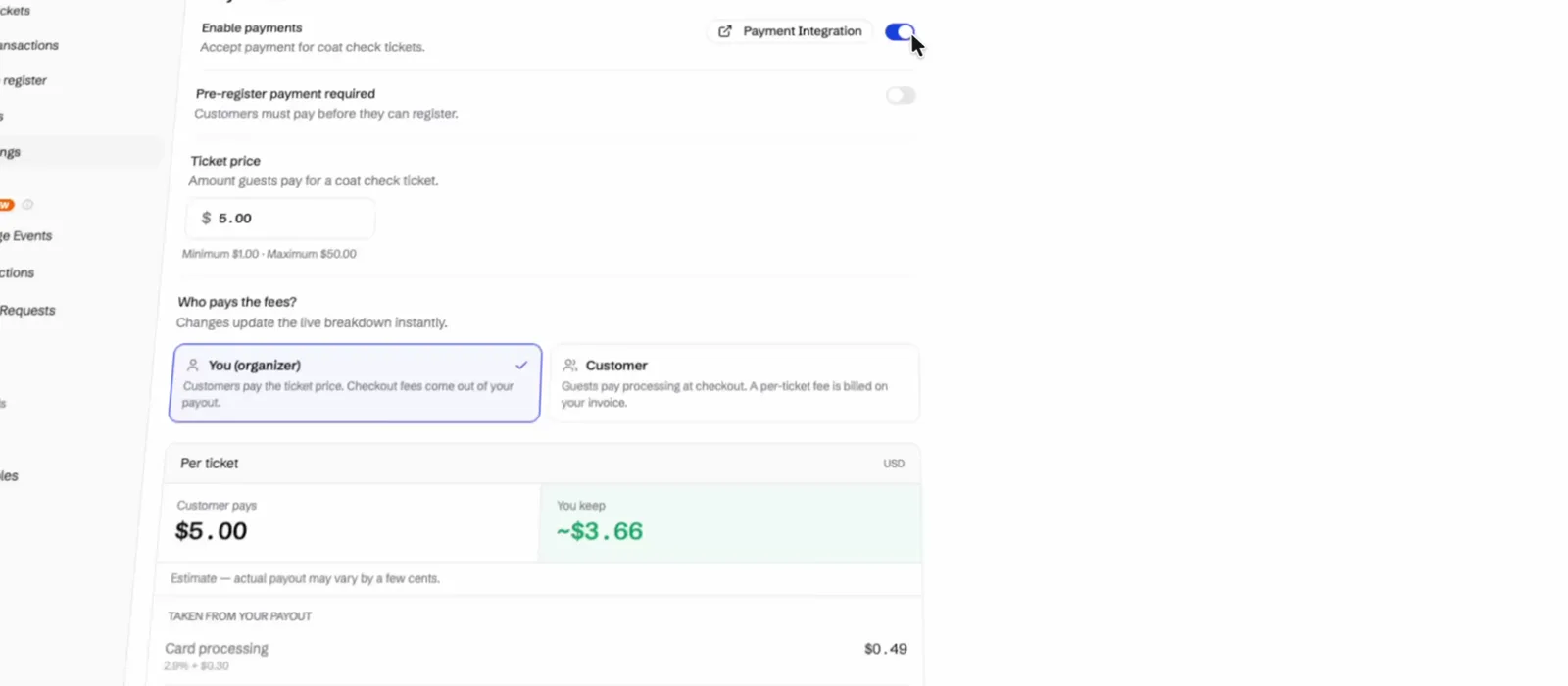
Turn payments on for coat check, choose who pays the fees, and the per-ticket breakdown updates as the price changes.
A price between $1 and $50
Guests pay that amount for a coat check ticket when payments are on.
You pay the fees, or they do
Organizer payout or guest checkout. The estimate shows the card fee and the CoatCheck fee.
Pre-register can require payment
Leave it off and guests pay at the counter. Turn it on and they pay before they join the list.
Events · Stats
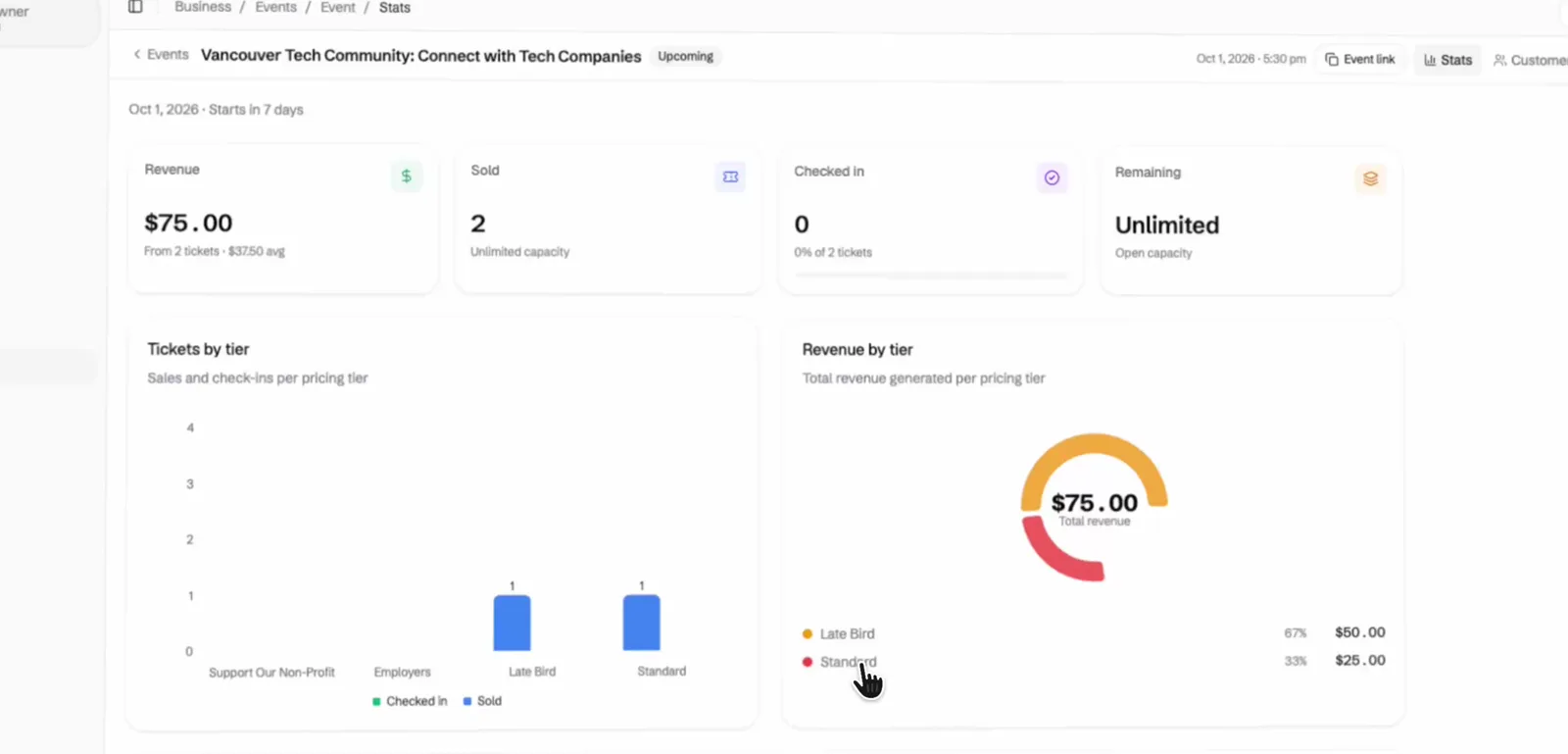
Revenue, tickets by tier, and check-in stay on the event. Copy the public page without leaving stats.
Revenue and the average
What the night has made, and the average across the tickets already sold.
Sold, checked in, remaining
The same counts staff see at the door, including what each tier has left.
The public link is here
Event link copies the page guests use to buy.
Events
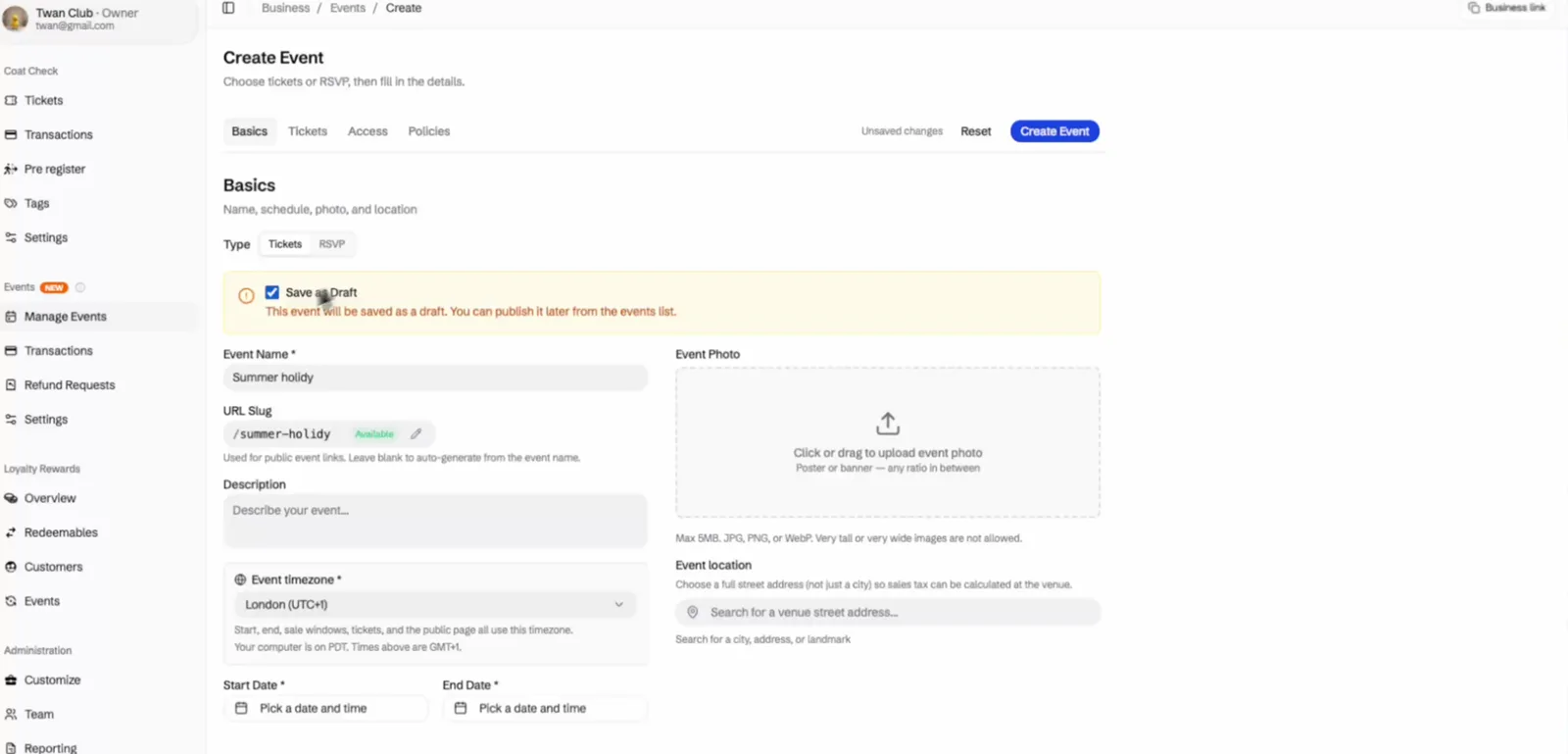
Name, photo, timezone, and dates live on the create form. Save a draft, then publish it from the events list.
Tickets or RSVP
Pick one. A night sells tickets or takes RSVPs, not both.
Draft until you publish
Save as draft and the public page stays off until you turn it on.
A link guests can open
The slug is the public address. Leave it blank and it comes from the event name.